
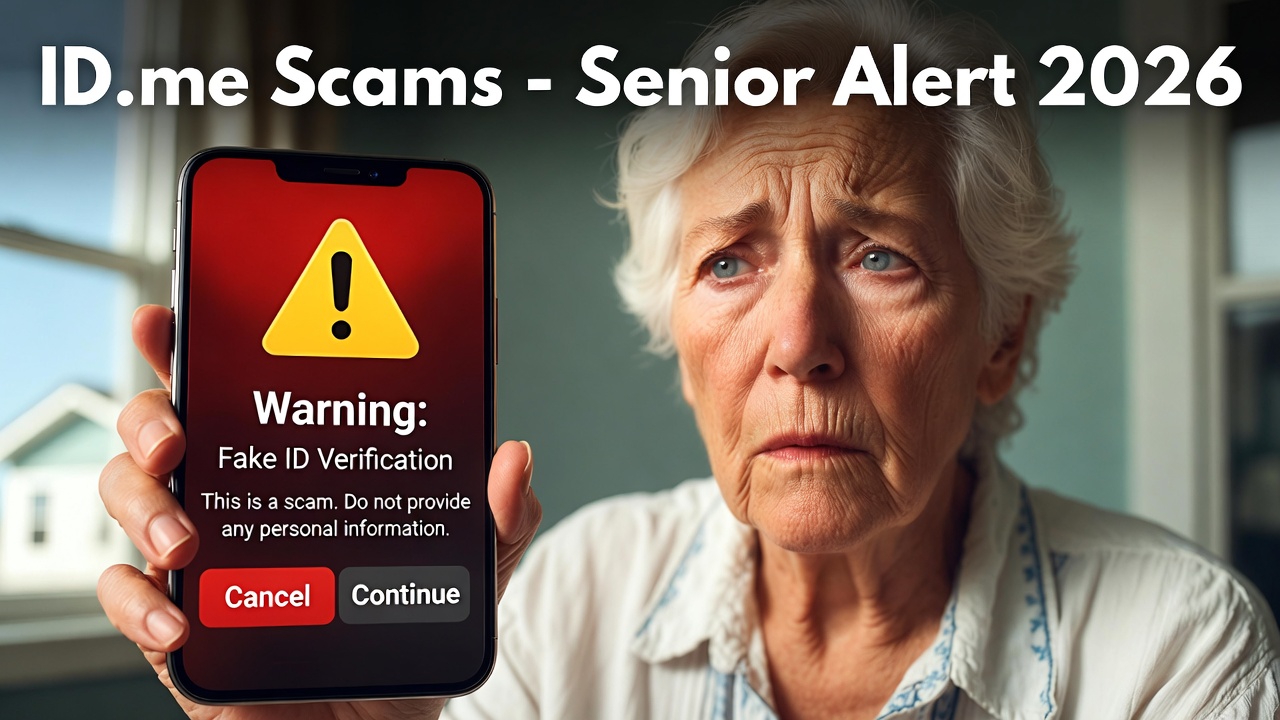
Introduction: The Growing Threat in a Verified World
ID.me Scams :In 2026, digital identity verification is no longer a convenience—it’s a necessity. From accessing Social Security benefits and Medicare portals to filing taxes and applying for veteran services, millions of Americans rely on ID.me to prove they are who they claim to be. This government-contracted platform has become the gateway to essential services, making it a prime target for scammers. Senior citizens, often managing fixed incomes and critical benefits, are particularly vulnerable. This comprehensive guide will arm you with the knowledge to recognize, resist, and report ID.me scams, ensuring your digital safety in an increasingly complex online world.

Part 1: Understanding ID.me and Why It’s a Target
What is ID.me (Legitimately)?
ID.me is a certified identity verification provider used by federal agencies like the IRS, Social Security Administration (SSA), Department of Veterans Affairs (VA), and many state unemployment and benefits portals. Its purpose is to securely verify your identity online, preventing fraud and ensuring that only you can access your sensitive accounts.
Why Scammers Love to Impersonate It:
- High Stakes: It guards access to money (benefits, tax refunds) and critical personal data (Social Security Numbers, tax records).
- Trust Factor: People expect communication from ID.me due to its government partnerships, lowering their guard.
- Urgency: Scammers create false urgency about “suspicious activity” or “account suspension,” triggering panic and hasty actions.
- Technical Intimidation: Seniors who are less familiar with multi-factor authentication or video selfie verification can be easily confused and manipulated.
Part 2: The Top ID.me Scams of 2026 – Recognize the Red Flags
Scammers are constantly refining their tactics. Here are the most prevalent schemes targeting seniors this year:
-
The Phishing Email & Text (Smishing) Onslaught
- How it works: You receive an official-looking email or text claiming to be from ID.me, the IRS, or SSA. It states your account is locked, there’s suspicious login activity, or you need to verify information immediately. It includes a link to a fraudulent website that mimics the real ID.me login page.
- Real-World Example (2025 Incident): A widespread phishing campaign used the subject line “ACTION REQUIRED: Your ID.me account access has been restricted.” The link led to a fake login page that harvested credentials from thousands before being shut down.
- Red Flags:
- Generic greetings like “Dear User” or “Dear Account Holder.”
- Poor grammar, spelling errors, or awkward phrasing.
- A sense of panic and immediate deadline (“24 hours to respond”).
- Suspicious sender addresses (e.g., support@id-me.secure.com instead of the official @id.me domain).
-
The Impersonation Support Call
- How it works: After a data breach or leak, scammers call posing as “ID.me Technical Support” or “IRS Verification Agents.” They already have some of your information (name, address) from the dark web, making them sound legitimate. They claim your account is compromised and need remote access to your computer or your one-time passcode to “fix” it.
- Red Flags:
- Unsolicited calls. ID.me will never initiate a call to you for support without you first reaching out.
- A request for remote access via software like AnyDesk or TeamViewer.
- Pressure to stay on the phone and not tell anyone.
- Asking for your multi-factor authentication (MFA) codes or passwords.
-
The “Deepfake” or Video Verification Scam (The Emerging 2026 Threat)
- How it works: This advanced scam involves a fraudulent video call. A scammer, using stolen ID.me agent credentials or posing as one, initiates a video verification session. In sophisticated cases, they may use AI-powered “deepfake” audio to sound like a representative. Their goal is to have you hold up your driver’s license and your face on camera, capturing all the biometric data needed to hijack or create an identity.
- Red Flags:
- You did not initiate a video verification request yourself through the official ID.me process.
- The video call comes from an unverified platform (e.g., a personal Zoom link instead of the secured ID.me portal).
- The agent rushes you or seems unfamiliar with standard protocols.
-
The Fake Document Upload Portal
- How it works: You receive a communication instructing you to “re-verify” your identity by uploading documents (Social Security card, passport, utility bill) to a new portal due to a “system update.” The link leads to a scammer-controlled site designed to steal your most sensitive documents.
- Red Flags:
- Legitimate ID.me document upload happens only within your secure dashboard after you log in through the official website or app.
- Requests for documents they should already have on file from initial verification.
- Links that don’t start with https://secure.id.me or the official government agency URL.
Part 3: Your Complete 2026 Protection Toolkit: 10 Actionable Steps
-
The Golden Rule: Initiate Contact Yourself.
- Never click links in unsolicited emails, texts, or calls.
- If you receive a concerning message, independently go to the official website of the agency (IRS.gov, SSA.gov) or directly to ID.me’s official help center (help.id.me) by typing the address yourself.
-
Master Multi-Factor Authentication (MFA).
- Always enable MFA on your ID.me account. In 2026, the most secure method is using an authenticator app (like Google Authenticator or Microsoft Authenticator) on your smartphone. Avoid SMS-based codes if possible, as these can be intercepted via SIM-swapping scams.
-
Bookmark Official Sites.
- Save the official links in your browser:
- ID.me Login: https://secure.id.me
- ID.me Help: https://help.id.me
- IRS ID.me page: https://www.irs.gov/idme
-
Verify, Then Trust.
- Check the sender’s email address meticulously. Look for slight misspellings.
- Hover over links (do not click) to see the true destination URL in your browser’s status bar.
-
Guard Your Codes and Biometrics.
- Never, ever read a verification code aloud over the phone or provide it to anyone who calls you.
- Only conduct video verification sessions that you initiate through the official ID.me flow for a specific government service.
-
Use a Password Manager.
- A password manager (like Bitwarden, 1Password) creates and stores strong, unique passwords for every site. This prevents a breach on one site from compromising your ID.me account.
-
Educate Yourself on Official Procedures.
- Know that ID.me and government agencies will not:
- Demand payment via gift cards, wire transfers, or cryptocurrency.
- Threaten you with immediate arrest.
- Ask for remote access to your device.
-
Secure Your Devices.
- Ensure your computer, smartphone, and tablet have updated operating systems and reputable antivirus/anti-malware software installed.
-
Talk About It.
- Discuss these scams with family, friends, and your senior community. Scammers rely on silence and shame. Sharing experiences is a powerful defense.
-
Report Immediately.
- If you encounter a scam:
- Forward phishing emails to phishing@id.me.
- Report to the FTC at ReportFraud.ftc.gov.
- File a complaint with the FBI’s Internet Crime Complaint Center (IC3.gov).
- Contact your local police if you’ve suffered financial loss.
Part 4: What to Do If You’ve Been Scammed
- Don’t Panic. Act quickly and methodically.
- Secure Your Accounts:
- Immediately log in (via the official site) to your ID.me account and change your password. Review account activity.
- Enable MFA if it wasn’t already.
- Check linked government agency accounts (IRS, SSA) for unauthorized actions.
3. Contact Your Financial Institutions: Place fraud alerts on your bank and credit accounts. Consider freezing your credit with all three bureaus (Equifax, Experian, TransUnion).
4. Report: Follow the reporting steps outlined in Section 3, Step 10.
5.Document Everything: Keep records of all communications, transaction numbers, and steps you’ve taken.
Frequently Asked Questions (FAQ)
Q1: I got a call from someone claiming to be from ID.me. Is it legitimate?
A: Extremely unlikely. ID.me’s primary support is email and help tickets. They will not call you out of the blue. Hang up immediately. If you are concerned, call the official agency (IRS, SSA) using the number on their .gov website (not one provided by the caller).
Q2: Is it safe to use ID.me at all?
A: The official ID.me platform is a secure and necessary tool for accessing government services. The danger lies not in the legitimate service, but in the scammers who impersonate it. By following the safety steps in this guide, you can use it securely.
Q3: I clicked a link but didn’t enter information. Am I safe?
A: Not necessarily. Some malicious links can trigger “drive-by downloads” that install malware. Run a full antivirus scan on your device, change your ID.me password from a different, secure device, and monitor your accounts closely.
Q4: What’s the single most important thing I can do?
A: Always initiate contact yourself. Treat any unsolicited message about your ID.me account as a scam until you independently verify it by logging into the official portal you bookmarked.
Q5: My less-tech-savvy spouse/parent is worried. What’s the simplest advice for them?
A: Give them this mantra: “If I didn’t ask for help, it’s a scam. I will hang up or delete the message. If I’m worried, I will ask a trusted family member or call the agency myself using the number I know is real.”
Conclusion:
Empowerment Through Vigilance In 2026, protecting your digital identity is as crucial as locking your front door. Scammers are sophisticated, but they prey on fear, urgency, and uncertainty. By understanding their tactics, adopting proactive security habits, and fostering a community of awareness, senior citizens can confidently navigate the digital landscape. Share this guide, talk to your peers, and remember: when it comes to your identity, you are the best defender. Stay safe, stay verified, and stay in control.
1 thought on “ID.me Scams: How Can Senior Citizens Protect Themselves in 2026? A Complete Safety Guide”